SYSTEMS / RECOVERY REVIEW
The Old Version Is Back. Can It Still Read the Data?
An update causes a problem.
The team makes a quick decision:
“Roll back.”
The previous image is available. The deployment system restores it. The process starts, and the health check turns green.
Then the first real request arrives.
The read fails.
Before the rollback, the new version wrote data in a format the old version does not understand.
The software went back.
The data did not.
This is a hypothetical scenario, not a reported incident involving the products discussed below. It raises a question that belongs in a recovery plan:
Which version can we return to, and can it work with the data we now have?
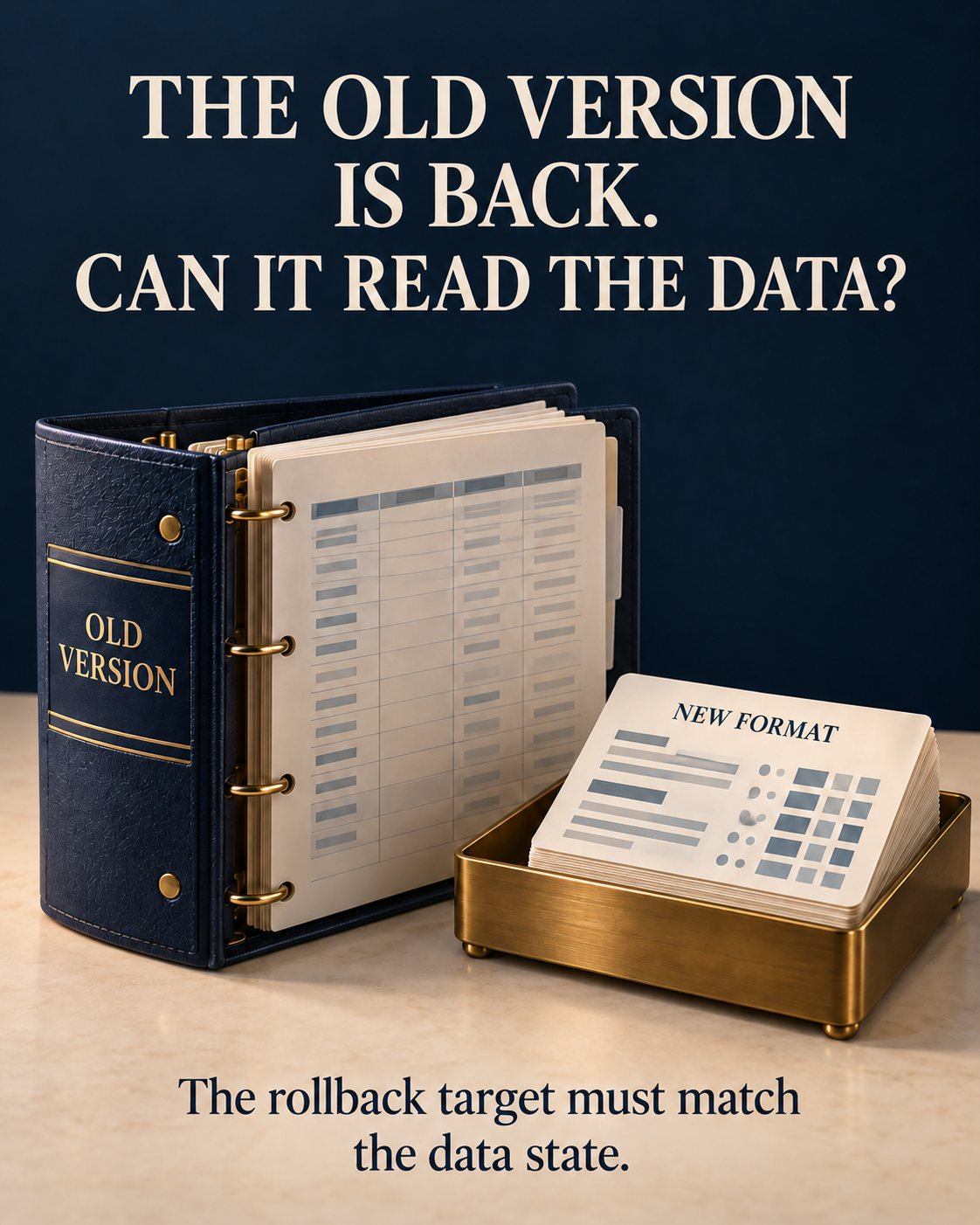
Restoring the system does not necessarily restore the data
AWS’s October 22, 2026 article on EC2 root volume replacement offers a concrete starting point.
The mechanism can swap in a prepared root volume through a reboot while non-root EBS data volumes remain attached. Retaining the original root volume provides a path to swap it back. Source: AWS
That separation is useful. It also means that restoring the old root volume need not restore the application’s earlier data state.
Suppose an application changes its storage format and accepts writes on a separate data volume. A different problem then prompts the team to restore the original root volume.
The old software returns to data written by the new software.
That is a question about the scope of recovery, rather than a defect in the replacement mechanism. Which resources return to an earlier state? Which retain their changes?
Keeping the old image gives us a version we can restore. Whether it remains a usable recovery target depends on the current data and its dependencies.
“Previous version” needs a version identifier
Amazon’s Builders’ Library describes a Prepare/Activate approach to compatibility. Source: Amazon Builders’ Library
A simplified version looks like this:
On narrow screens, scroll the table sideways to read every column.
| Version | Designed to read | Writes |
|---|---|---|
| V1: original | Old format | Old format |
| V2: prepared | Old and new formats | Old format |
| V3: activated | Old and new formats | New format |
The sequence matters: prepare the relevant readers before enabling new writers.
Once V3 produces new-format data, V2 is a candidate rollback target because it was prepared to understand that format. V1 was not.
An older image does not become compatible because it used to be stable.
The table describes format capabilities, however—not a complete recovery guarantee. The proposed target still needs validation against the operations and state required to keep the service working.
Preparation includes the readers that are easy to overlook
Before enabling new-format writes, every reader that needs to handle them must be ready.
The Builders’ Library explicitly cautions against treating a minimum healthy-host threshold as sufficient evidence that preparation is complete. Source: Amazon Builders’ Library
In practice, relevant readers may include background jobs, batch processes, maintenance tools and devices that reconnect later. The inventory depends on the behavior the system promises to support.
The other end of the transition matters too. Enabling the new format does not make every old record disappear. Removing old-format support requires evidence that the remaining data no longer needs it.
Compatibility has an ongoing cost: knowing which states still exist, which versions may encounter them, and when support can safely be retired.
Reading the data is only the beginning
A parser may accept a record while the application handles it incorrectly.
A version might ignore an unfamiliar field, then discard it when saving the record. The format might remain unchanged while a field’s units or meaning change.
These are review scenarios, not claims about defects in the cited products.
For a code-only rollback, I would test the named target against data actually written by the new version. The checks would cover:
- Old-format, new-format and mixed data that may remain.
- The reads and writes required to continue serving users.
- Preservation of necessary information through a read–modify–write cycle.
- Background work and dependent operations.
- Explicit handling of unsupported states.
- For rolling deployments, include mixed-version operation and the actual upgrade and rollback sequence.
Starting the old version against a clean database answers a different question.
It does not establish what happens after the new version has done useful work.
On devices, look beyond the image
The same issue appears in device updates.
A replacement root filesystem may leave configuration, calibration information or application data on persistent storage. Switching back to the previous system partition does not automatically reverse changes made there.
Mender’s state-script documentation assigns responsibility for reversing persistent script effects to the integrator, including changes to configuration or data-file formats. Source: Mender
A release review therefore needs an inventory of what the update does beyond installing an image.
What does each script change? What can be reversed? What remains if execution stops partway through?
Documentation identifies the mechanism and responsibility. Product-specific recovery evidence still has to come from the relevant devices and update flow.
Rollback, restoration and a forward fix have different costs
If an old version cannot handle current data, several recovery options may remain. They should not all be summarized as “we can roll back.”
On narrow screens, scroll the table sideways to read every column.
| Option | Intended outcome | Evidence still needed |
|---|---|---|
| Return to a compatible version | Keep current data and change the software | Required operations and dependencies work on the named target |
| Reverse the migration | Convert data into a supported earlier state | Information loss, reversibility and partial-failure handling |
| Restore a backup | Return to a saved data state | Consistency, restoration time and treatment of later valid writes |
| Fix forward | Keep current state and repair the new version | Repair and validation time, and impact while waiting |
A backup is valuable. It does not remove the service decision.
If the new version has accepted valid writes, restoring an earlier backup may discard them. How much loss is acceptable? How long can the service be interrupted? Who can accept those consequences, and who performs the recovery?
A forward fix is not automatically riskier, and a rollback is not automatically more conservative.
The useful comparison is between feasible paths, their evidence and their consequences in the state the system has reached.
Make the recovery commitment before enabling the format
Before new-format writes begin, the team still has options: add compatibility, change the sequence, rehearse recovery or defer the state-changing part of the release.
I would want the release record to identify five things:
The exact recovery target.
Name the version or image, required configuration and dependencies.
The supported data states.
Record the formats, mixtures and necessary operations tested, alongside what remains unknown.
The recovery path and its evidence.
Changing code, reversing a migration, restoring data and using manual intervention require different validation.
Acceptable data loss and interruption.
The people authorized to accept those consequences should participate before an incident leaves an operator to decide alone.
Execution ownership and conditions for changing course.
Who stops an unsuccessful recovery or chooses another path? Are the required access, tools and support available?
The record does not make deployment safe by itself. It makes the recovery commitment specific enough to examine and test.
A running old version is one piece of evidence
When someone says, “If it fails, we’ll roll back,” I would ask:
To which version?
With which data?
Can that version still do the work we promised, using the state we now have?
Restoring the software and restoring the service are outcomes that need separate confirmation.
Recovery should be judged against the agreed service scope and acceptable data loss and interruption.
Sources and scope
The scenario and review approach are illustrative. I have not tested the EC2 or Mender deployments or data migrations described here. The version table simplifies a compatibility pattern; it is not a deployment specification.